Proxy Knowledge Base and Field Notes

Practical guides for proxy IPs, residential proxies, data collection, SEO workflows, and account environment safety.

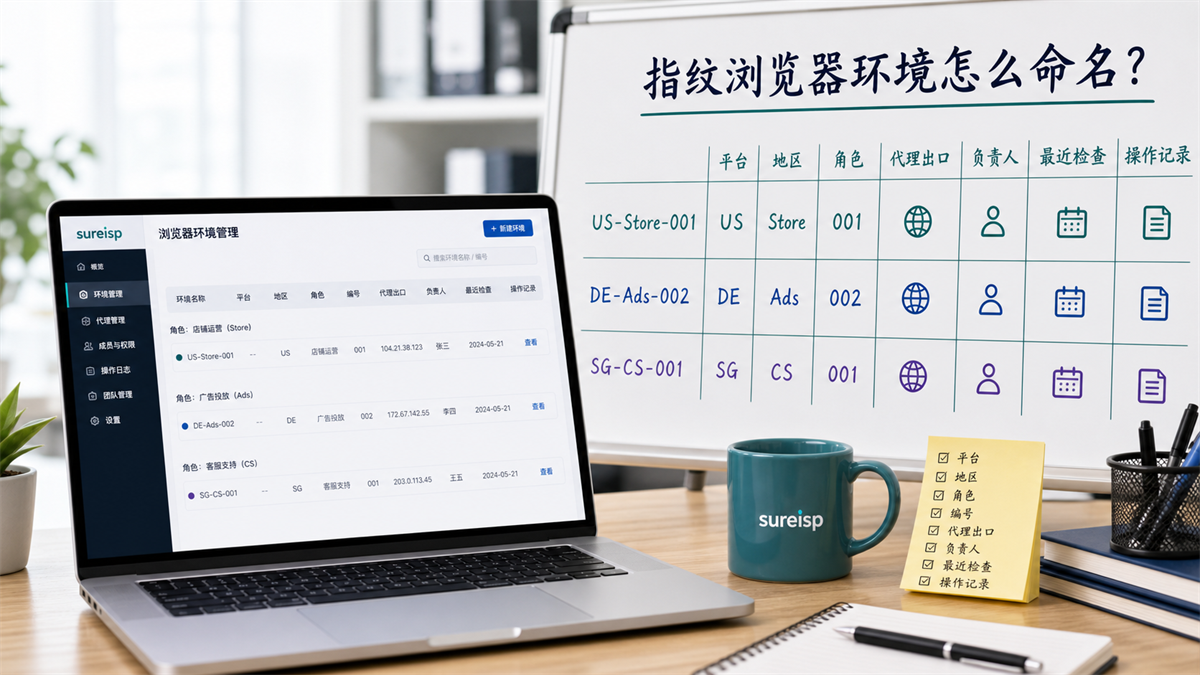
Browser Guides How to name the fingerprint browser environment? Team with multiple accounts, don't just write account names

How to name the fingerprint browser environment? Team with multiple accounts, don't just write account names

Don't just write the account name in the fingerprint browser environment. This article explains the environment naming, grouping, and handover templates for multi account teams using platforms, regions, roles, numbers, proxy exits, responsible persons, and operation records.

2026-06-02 Read article
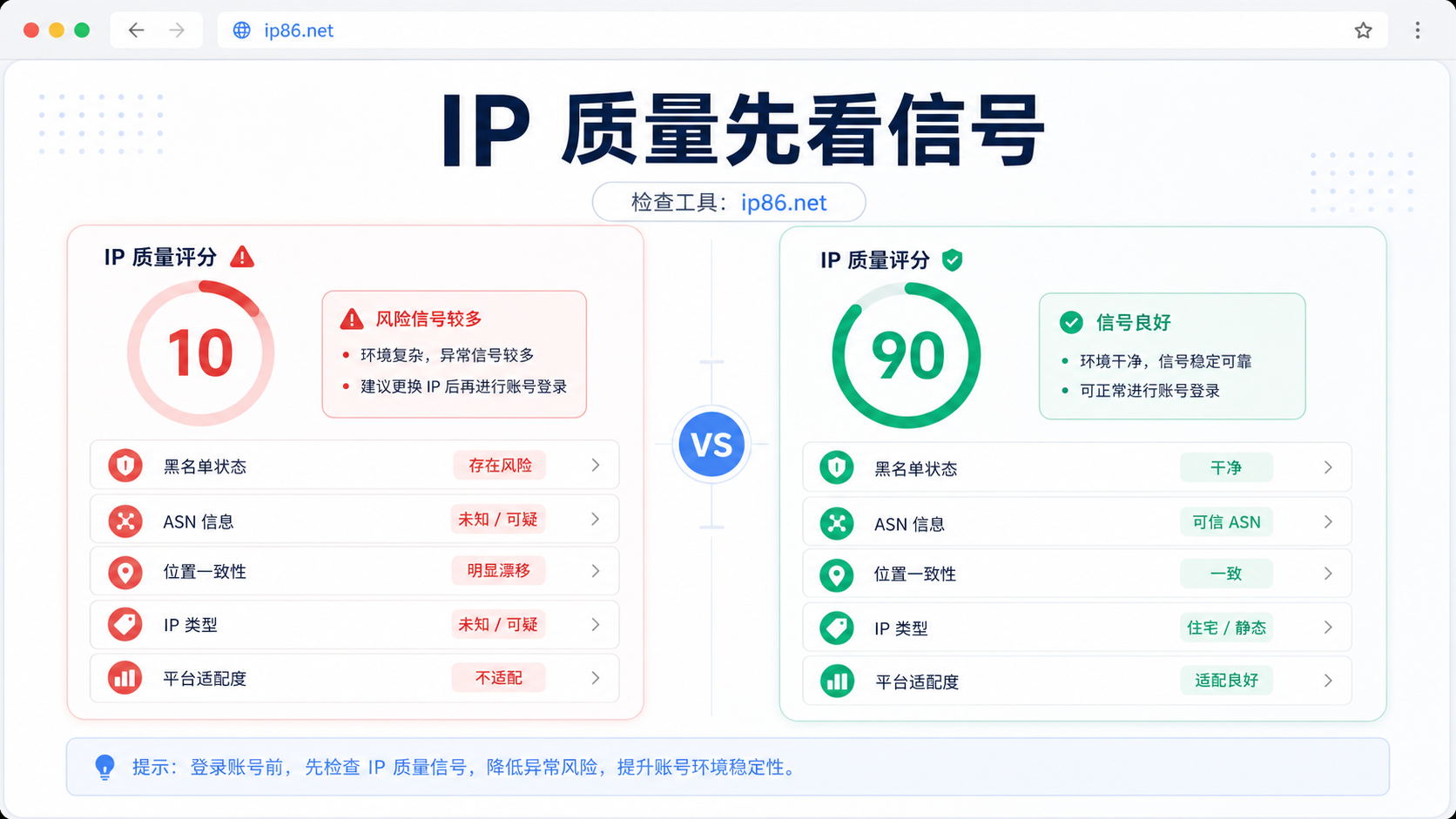
Proxy Guides What is the difference between an IP risk control score of 10 and 90? What signals should I check before logging into my account?

What is the difference between an IP risk control score of 10 and 90? What signals should I check before logging into my account?

The IP risk control value is not just based on scores. This article uses two detection examples of ip86.net to explain how to determine IP quality, blacklist ASN、 Address consistency, IP type, and platform adaptation.

2026-06-03 Read article
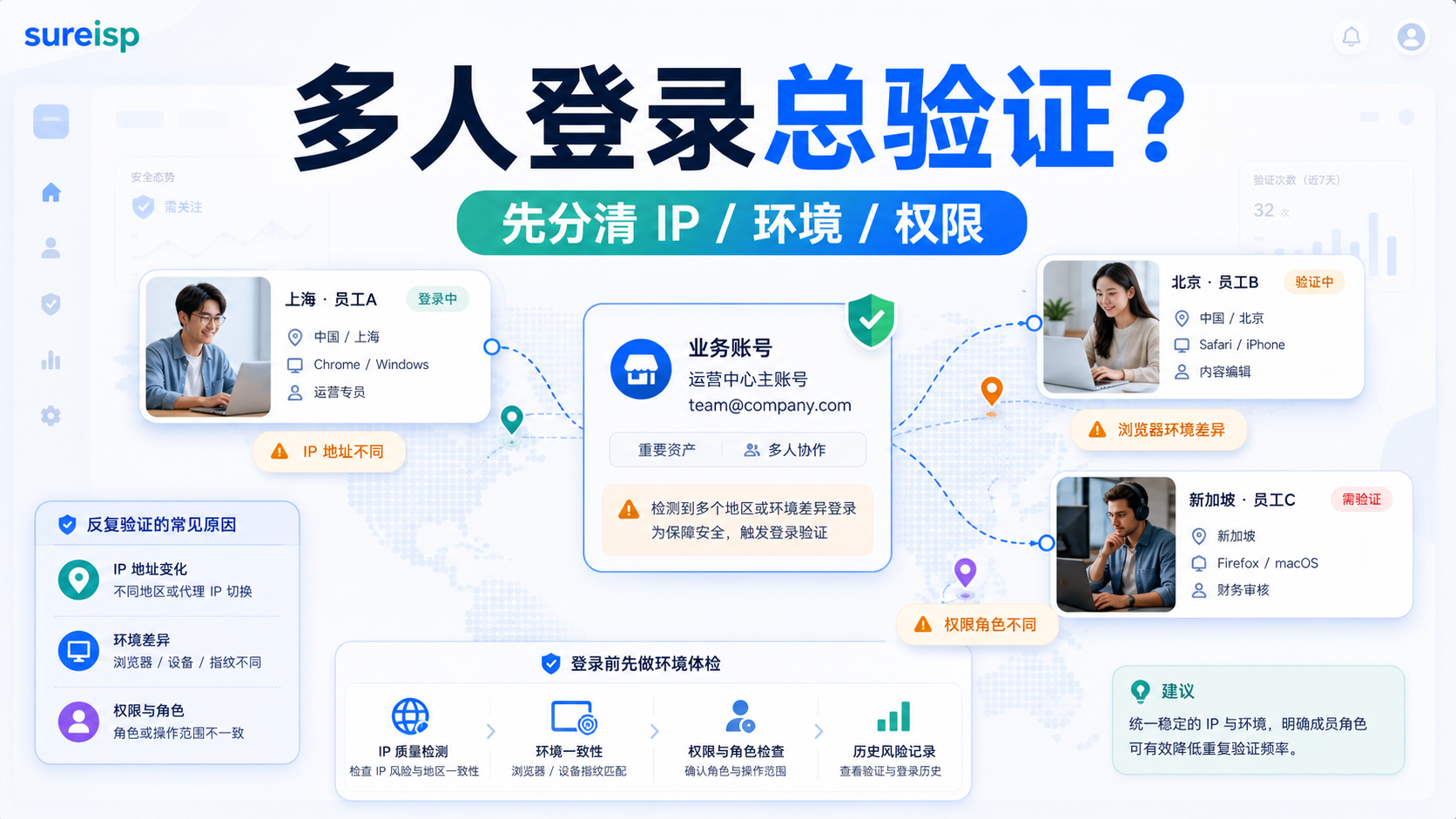
Multi-account Operations Why does it always trigger verification when multiple team members log in to the same account? How to allocate IP and browser environment?

Why does it always trigger verification when multiple team members log in to the same account? How to allocate IP and browser environment?

Frequent verification of multiple team members logging into the same account, usually associated with IP, device, etc Cookie、 The changes in browser environment and permission roles are related. This article explains how to prioritize platform permissions, fixed exits, dedicated environments, and handover records.

2026-06-04 Read article
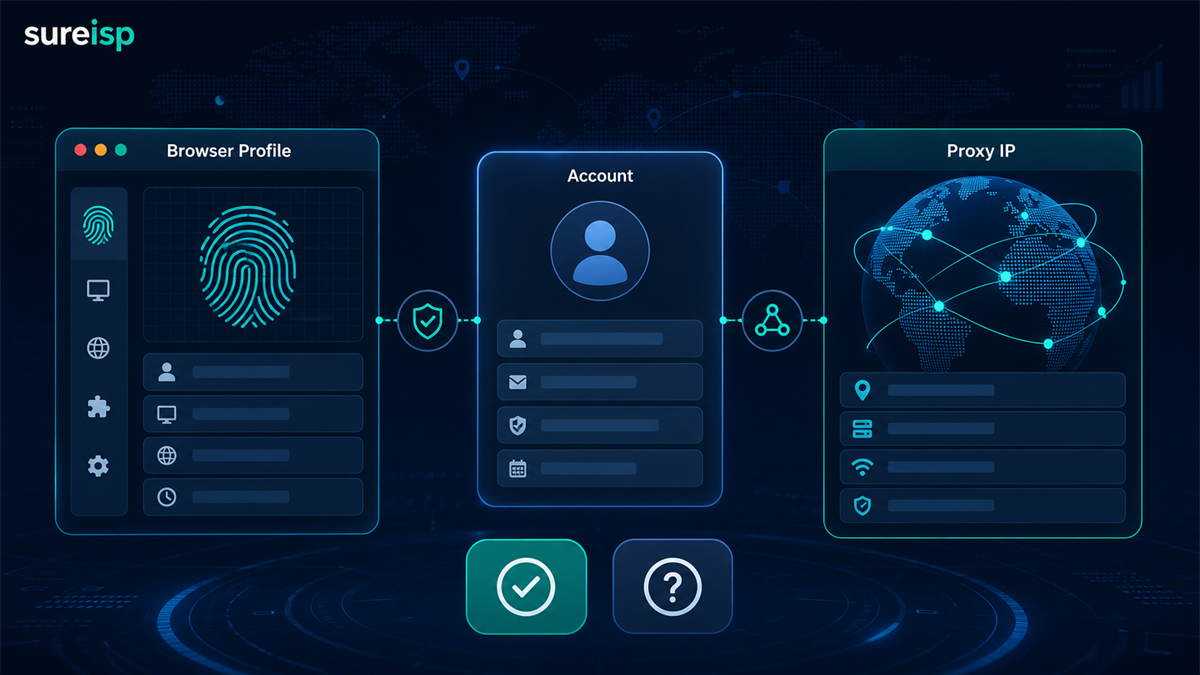
Browser Guides Does a fingerprint browser require a proxy IP? When is it necessary to match and when can it not be matched?

Does a fingerprint browser require a proxy IP? When is it necessary to match and when can it not be matched?

The fingerprint browser is responsible for isolating browser environment and account data, while the proxy IP is responsible for network egress. This article explains when a proxy IP must be configured, when it can be configured first, and how to combine the Sureisp fingerprint browser and ISP proxy.

2026-06-06 Read article
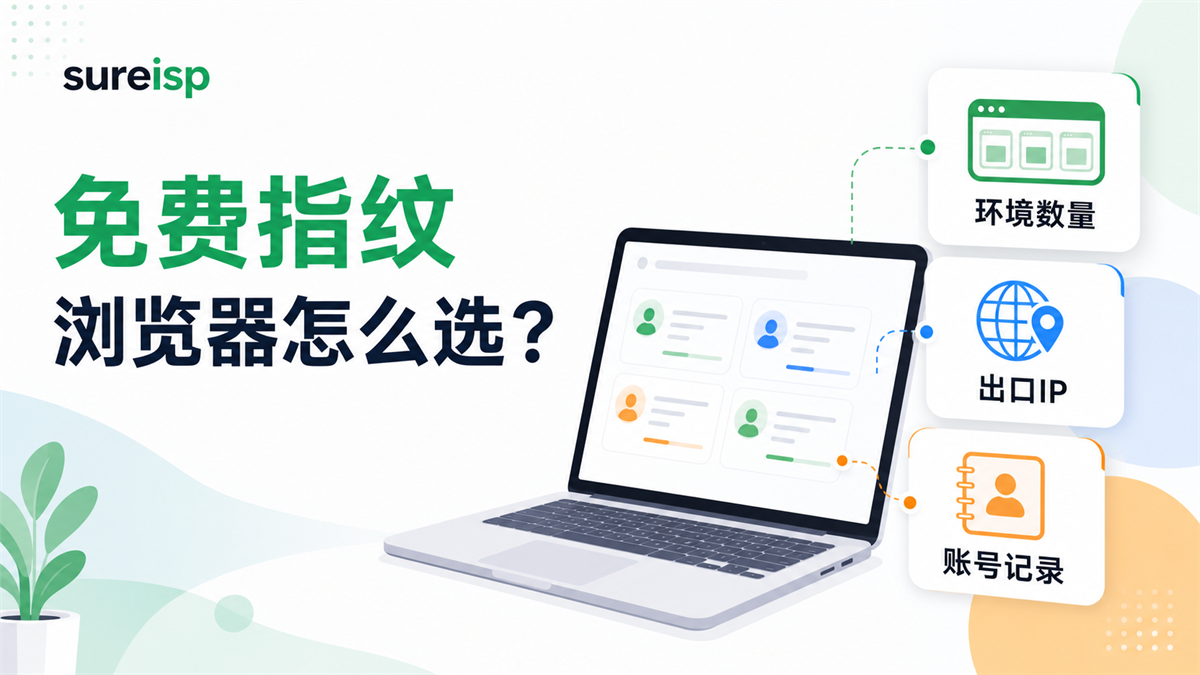
Browser Guides Can a free fingerprint browser be used for a long time? Cross border multi account, don't just focus on the number of free environments

Can a free fingerprint browser be used for a long time? Cross border multi account, don't just focus on the number of free environments

Free fingerprint browsers can be tested first, but cross-border multi account platforms cannot solely rely on the number of free environments. This article explains the suitable and unsuitable scenarios for the free version, as well as how to use the 20 free fingerprint environments, ISP agents, and account records provided by Sureisp in combination.

2026-06-09 Read article
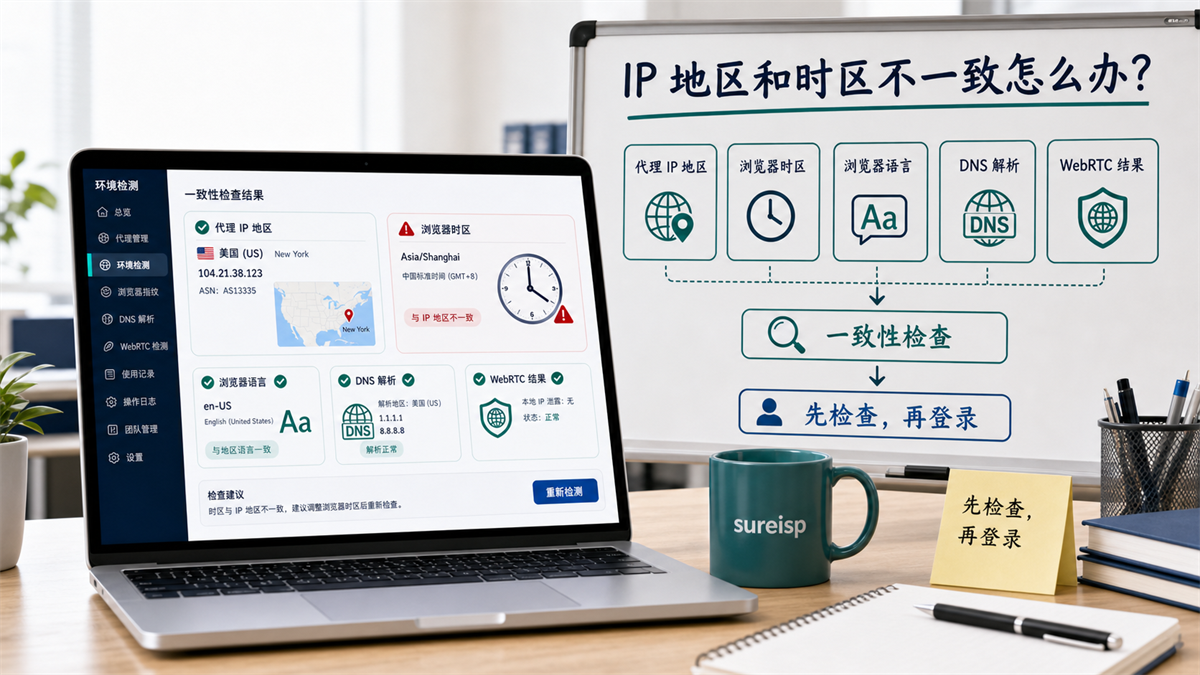
Browser Guides How to configure proxy IP for AdsPower? Don't just rely on successful connection testing

How to configure proxy IP for AdsPower? Don't just rely on successful connection testing

Configure an AdsPower proxy, then verify IP region, DNS path, WebRTC, timezone, and account history before logging in. A connected proxy is not always a clean account environment.

2026-06-10 Read article